
Step-by-Step Guide: Setting Up and Deploying Your DevCard Next.js 16 Portfolio
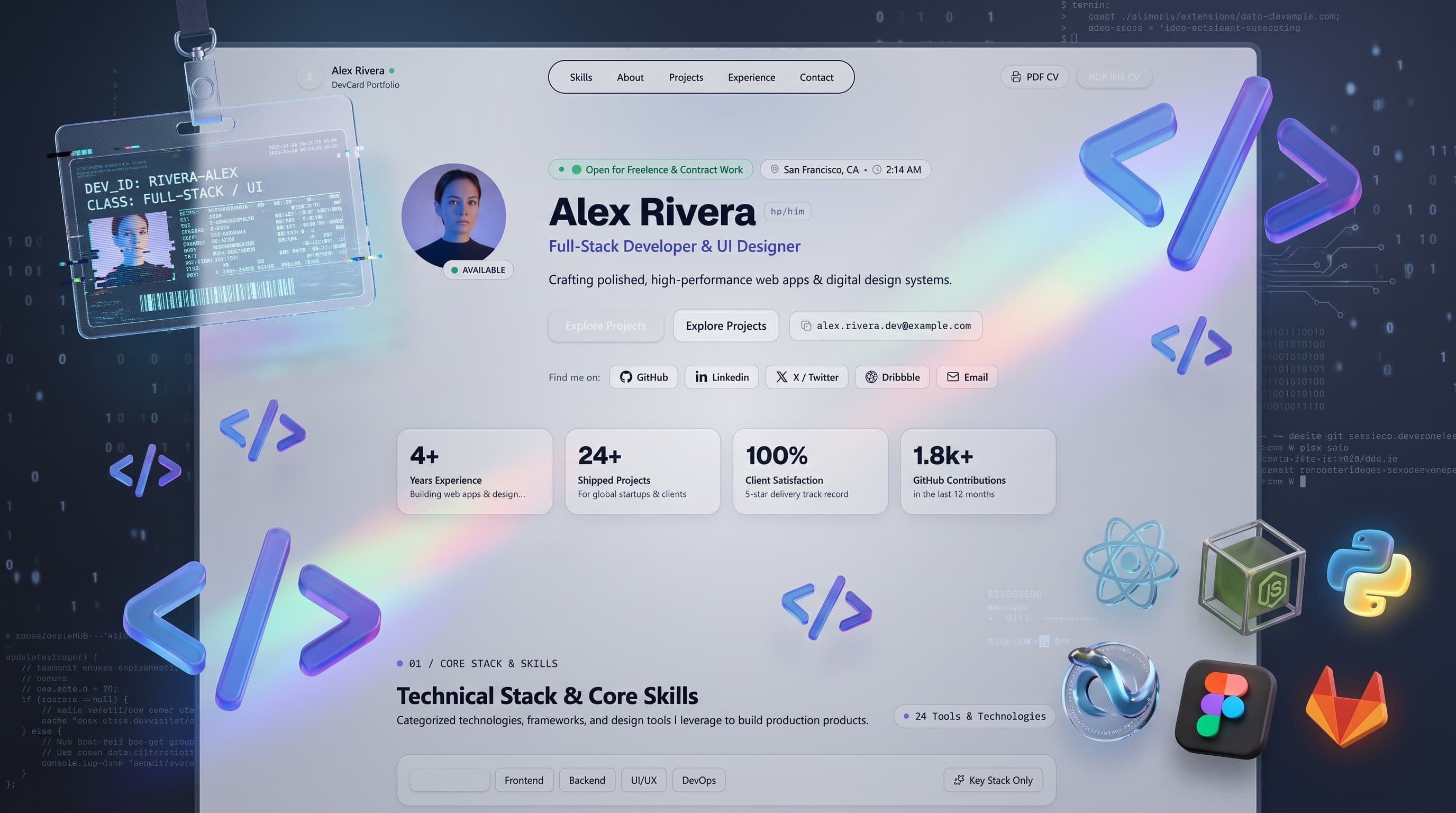
While the DevCard Next.js 16 template is engineered for extreme simplicity, taking an application from a local compressed archive to a production-grade live deployment on the edge is where many developers get bogged down by build errors, environment discrepancies, or DNS misconfigurations. In this step-by-step technical guide, we will take you from downloading the source code to a live, globally edge-routed portfolio with 100/100 Core Web Vitals on Vercel in less than 5 minutes.
Local Environment Setup & Dependency Installation
Before unpacking the codebase, ensure that your local machine meets the modern development toolchain prerequisites for Next.js 16.
Next.js 16 Turbopack engine requires active LTS Node.js. Run node -v in your terminal to verify your version.
Visual Studio Code, Cursor, or WebStorm with standard TypeScript and Tailwind CSS language extensions installed.
After downloading DevCard.zip from our official template library, uncompress the archive into your preferred workspace directory. Open your terminal inside the project root and install all project dependencies:
# Navigate into your extracted DevCard directory
cd devcard-portfolio

# Install core packages (Next.js 16, React 19, Tailwind CSS v4, Lucide Icons)
npm install
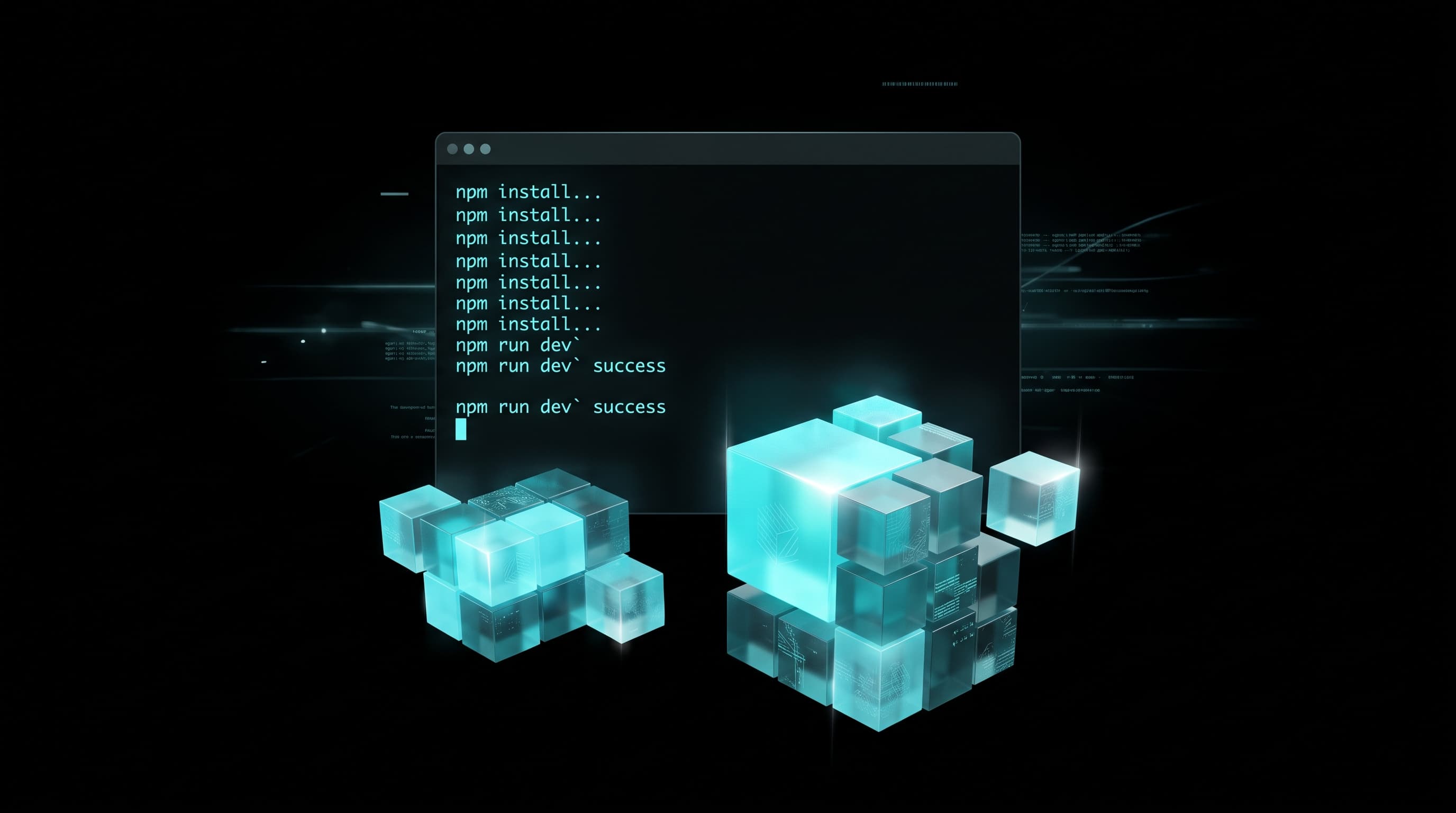
Figure 1.0: Zero-conflict terminal dependency installation with optimized lockfile resolution.
Because DevCard relies solely on lightweight, audited modern packages without heavy third-party CMS SDKs, the entire dependency tree resolves in just a few seconds with zero security vulnerabilities.
Customizing Your Identity (The JSON Magic)
The foundational architectural philosophy behind DevCard is complete separation of data from presentation. You do not need to touch any JSX, CSS files, or layout wrappers to personalize your portfolio.
Navigate to src/data/user.json. This single file acts as your portfolio's headless database:
{
  "name": "Alex Rivera",
  "title": "Full-Stack AI & Next.js Architect",
  "bio": "Building sub-second edge applications and autonomous AI media pipelines.",
  "avatar": "/images/avatar.jpg",
  "location": "San Francisco, CA / Remote",
  "status": {
    "availableForHire": true,
    "badgeText": "Available for Q3/Q4 Projects"
  },
  "socials": {
    "github": "https://github.com/alexrivera",
    "twitter": "https://twitter.com/alexrivera_dev",
    "linkedin": "https://linkedin.com/in/alexrivera",
    "email": "alex@example.com"
  },
  "skills": [
    "Next.js 16",
    "React 19",
    "TypeScript",
    "Tailwind CSS",
    "PostgreSQL",
    "Framer Motion",
    "AI Agents"
  ],
  "projects": [
    {
      "id": "proj-1",
      "title": "HyperFlow AI",
      "description": "Autonomous multi-agent workflow orchestration engine for enterprise teams.",
      "tech": ["Next.js 16", "LangChain", "FastAPI", "PostgreSQL"],
      "liveUrl": "https://hyperflow.agency",
      "githubUrl": "https://github.com/alexrivera/hyperflow",
      "featured": true
    },
    {
      "id": "proj-2",
      "title": "Nexus 3D Engine",
      "description": "Interactive WebGL real-time product visualizer with realistic lighting physics.",
      "tech": ["Three.js", "React Three Fiber", "TypeScript"],
      "liveUrl": "https://nexus-engine.demo",
      "githubUrl": "https://github.com/alexrivera/nexus-3d",
      "featured": true
    }
  ]
}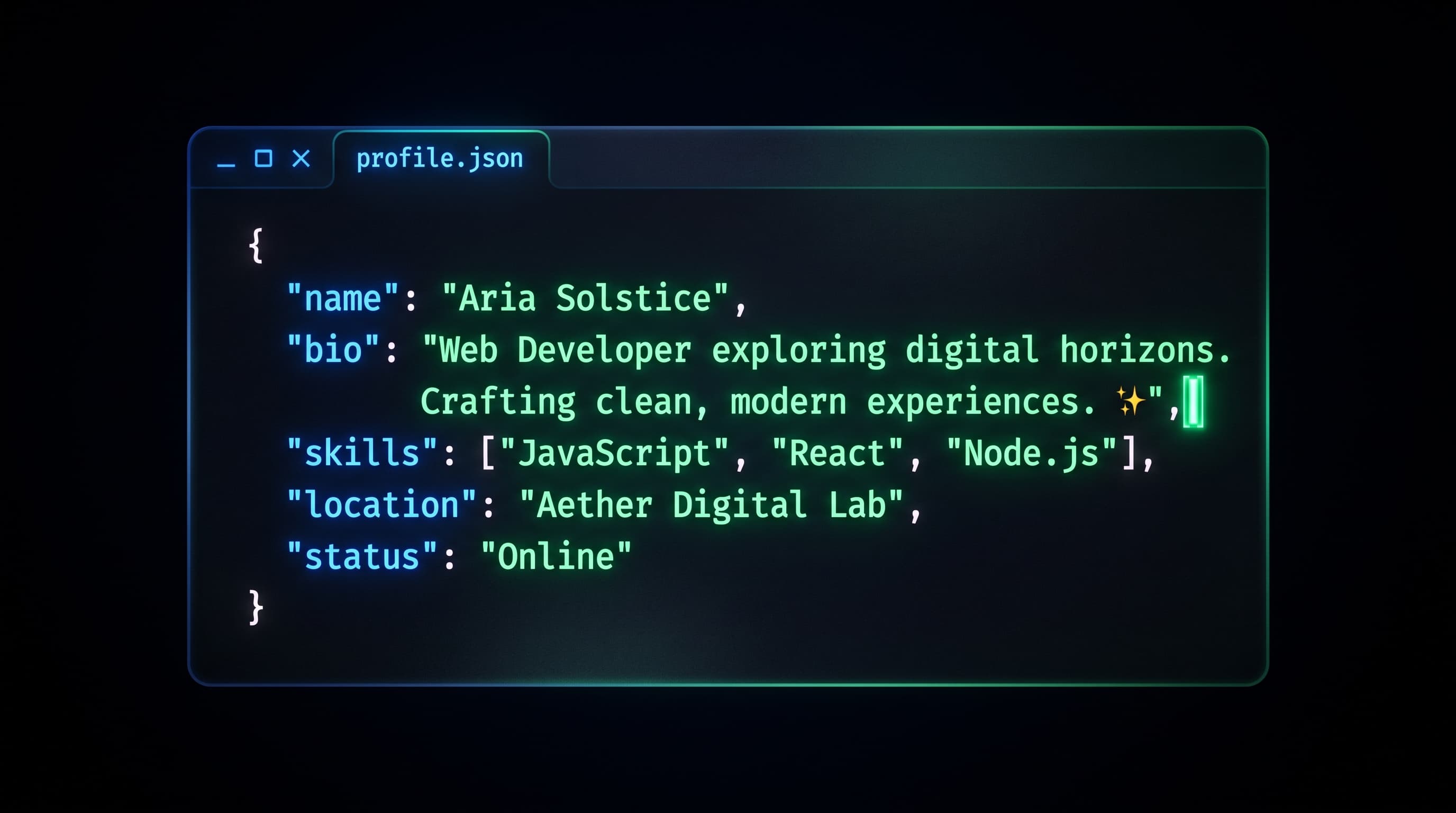
Figure 2.0: Instant UI mapping through a declarative, single-file JSON configuration schema.
Key Fields You Can Configure Instantly:
- •Personal Bio & Status: Update your name, headline, location, and availability badge with live status indicators.
- •Verified Social Channels: Connect your GitHub, Twitter/X, LinkedIn, Discord, and direct contact email handles.
- •Dynamic Project Showcase: Add unlimited project cards with live preview URLs, repository links, and technology stack tag pills.
The Local Preview Engine & Turbopack HMR
With your JSON profile configured, spin up the Next.js 16 local development server to test your changes with sub-millisecond Hot Module Replacement (HMR).
# Start your Turbopack development server
npm run dev

# Server will be ready at: http://localhost:3000
Unlike legacy Webpack bundlers that recompile entire dependency graphs upon each save, Next.js 16 Turbopack leverages Rust-based incremental compilation. When you update your user.json file, the browser updates instantly in under 15 milliseconds without page reloads or loss of scroll position.
Going Live With Vercel (Global Edge Network & Free SSL)
Deploying DevCard to the public web requires zero server management, zero complex Docker configurations, and zero hosting costs. Vercel provides native edge deployment for Next.js applications with free automatic SSL certificates.
Push Code to GitHub
Initialize a local Git repository and push your project to a new private or public GitHub repository:
git init && git add . && git commit -m "feat: initial devcard setup"Import Project into Vercel
Log in to vercel.com, click Add New Project, select your GitHub repository, and click Deploy. Vercel automatically detects Next.js 16 and configures all build settings out of the box.
Instant Global CDN & Custom Domain
Within 45 seconds, your site is live with a free .vercel.app URL. You can attach your personal custom domain (e.g., alexrivera.dev) with free automated SSL encryption in the Vercel Domains dashboard.
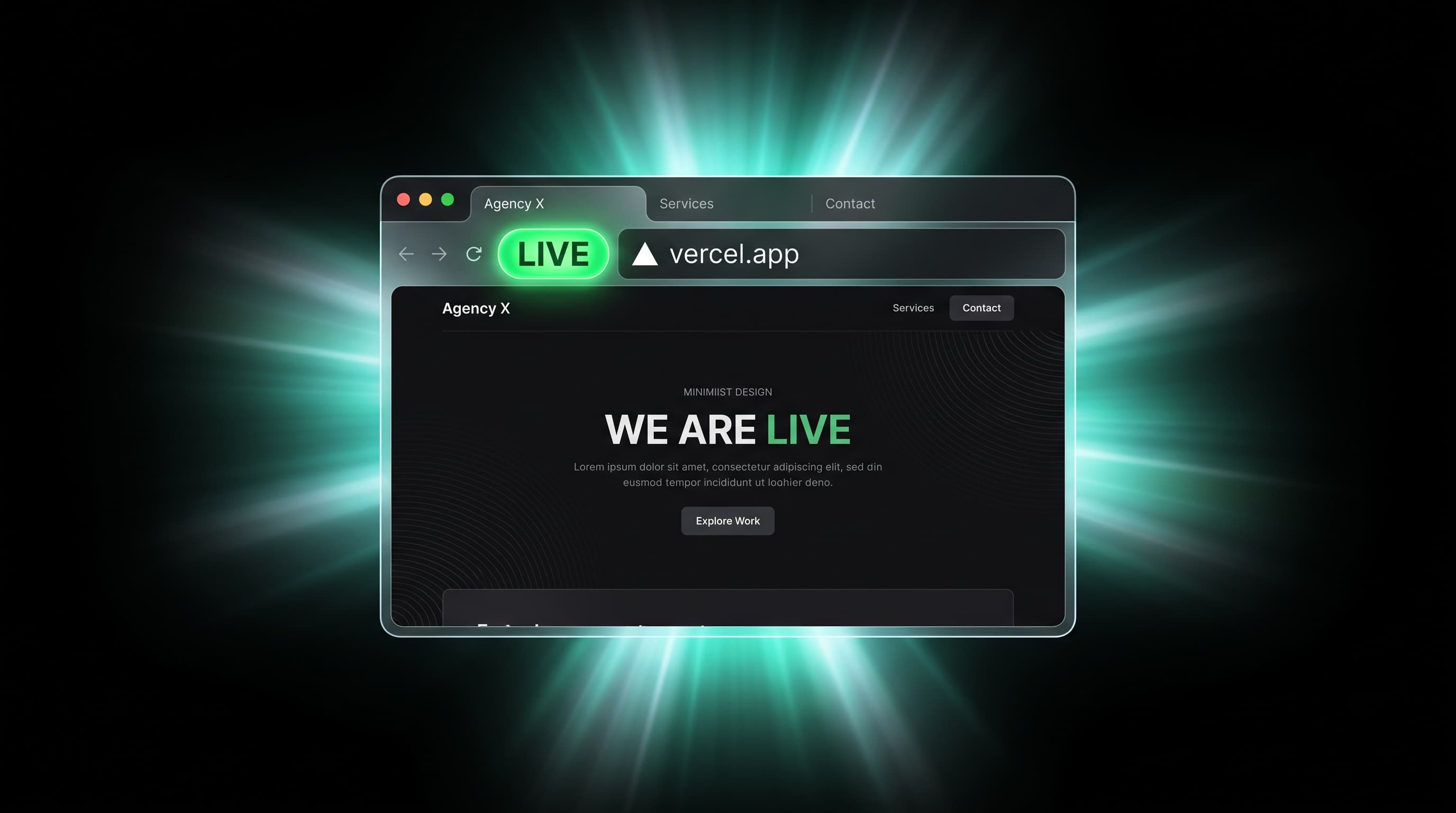
Figure 4.0: Automated production deployment pipeline delivering sub-second edge routing globally.
Conclusion: Scaling Beyond Templates to Bespoke Builds
DevCard provides an unbeatable foundation for developers who want a sleek, ultra-fast online presence with zero friction. But as your products grow, your agency expands, or you require cinema-grade AI commercials and custom 3D WebGL architectures, you need specialized engineering.
At AI SiteFlow, our studio architects bespoke digital products, high-converting SaaS landing systems, and cinematic advertising reels for visionary founders and venture-backed startups worldwide.
Download DevCard & Launch Your Portfolio Today
Claim the complete Next.js 16 source code immediately. Zero setup fees, zero recurring costs — just pure, high-performance edge engineering.