Omni 1.2 Flash Explained: 15-Second AI Videos, Features, Prompts & Commercial Uses
Artificial intelligence is changing video production, and Google's latest release brings a particularly useful improvement for creators, marketers, and commercial studios.
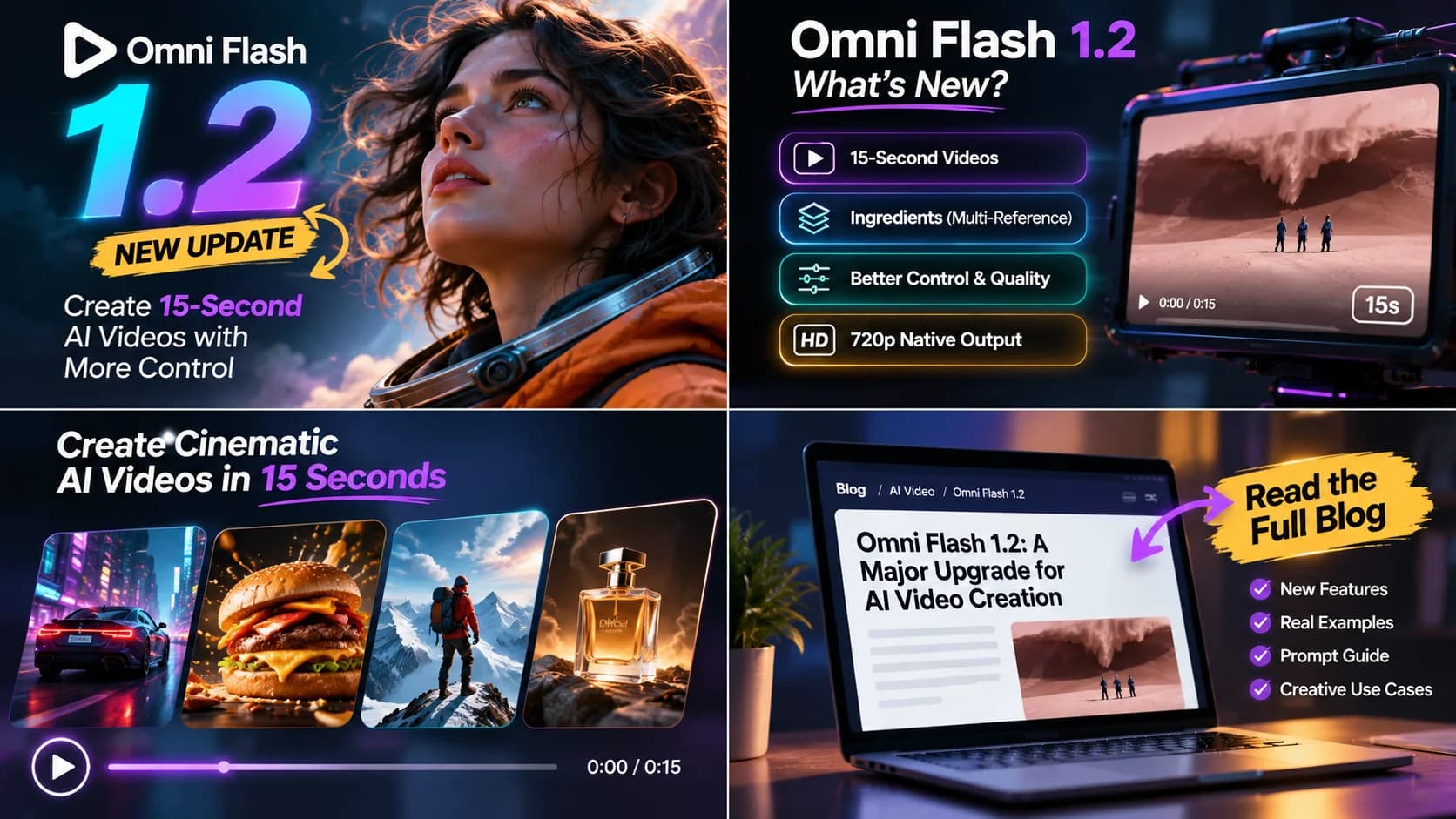
On November 5, 2026, Google announced Gemini Omni 1.2 Flash, an updated AI video model with native generation of clips up to 15 seconds, improved reference consistency, conversational editing, and more controllable camera movements.
For businesses producing product advertisements, that extra flexibility matters. A 15-second video can contain an opening hook, a product demonstration, and a memorable ending. Two coordinated clips can also be assembled into a longer advertisement with careful editing.
But what exactly has changed? How does Omni 1.2 Flash work in Google Flow? Can it produce professional commercial videos? And what should businesses know before building a campaign around it?
This guide examines the official announcement, practical workflows, reference-image techniques, prompt-writing strategies, video quality, limitations, and business applications.
What Is Omni 1.2 Flash?
Gemini Omni 1.2 Flash is Google's AI video generation and editing model designed to create short video sequences from creative instructions and references.
Its capabilities extend beyond basic text-to-video generation. Creators can guide scenes with visual references, request controlled camera movement, refine existing footage, and work toward more consistent results across longer clips.
The model is part of a broader creative ecosystem that includes Google Flow and supported Gemini tools.
Why the 15-Second Limit Matters
An additional five seconds may sound small, but in short-form advertising, timing is critical.
Consider a standard 15-second product video timeline:
Capture immediate audience attention in the social feed.
Present core material craftsmanship, tactile utility, and key benefit.
Deliver brand identity, packaging silhouette, and compelling closing action.
A shorter generation often requires aggressive post-cuts to create the same narrative structure. With a complete 15-second generation, creators have more room to design a meaningful advertising sequence within one clip.
This does not eliminate editing or guarantee that every generated scene will be usable. Instead, it gives production teams more creative flexibility before post-production begins.
What Omni 1.2 Flash Is Not
It is not a replacement for brand strategy, professional creative direction, product verification, licensed assets, or human quality control.
A technically impressive animation can still be an ineffective advertisement if it communicates the wrong message. The model is a production tool. The quality of the final commercial depends on how that tool is directed and assembled.
What's New in Omni 1.2 Flash?
The November 2026 release introduces several improvements that are relevant to both independent creators and professional studios.
Native 15-Second Video Generation
Google states that Omni 1.2 Flash supports video generation and editing from 3 to 15 seconds in one-second increments. Previously, Omni 1.1 supported a shorter maximum duration of 10 seconds. The new duration makes it easier to create complete short advertisements, product introductions, and multi-scene demonstrations, especially for brands creating vertical social advertising.
Stronger Reference Consistency
One of the persistent challenges in AI video generation is visual drift. A product may change shape between frames, a character's face may drift, clothing details may disappear, or branding may distort unexpectedly.
Google reports improved adherence to character, object, and scene references in Omni 1.2 Flash. Creators can provide product images, character references, visual styles, and supported motion or audio cues. These references help guide the generated video. However, better consistency does not mean perfect accuracy: important commercial details still need human inspection.
Conversational Video Editing
A useful new capability is the ability to refine video content through subsequent instructions. Instead of discarding an entire clip because the lighting or background is wrong, creators can attempt a targeted modification.
“Keep the product and camera movement unchanged, but replace the background with a premium marble showroom.”
A second instruction might adjust the color palette or environmental atmosphere. This creates a more iterative workflow, particularly valuable when a business wants several related advertising variations with consistent branding.
Improved Camera Movement
Google highlights more stable cinematic camera control, including dramatic camera movements, flythroughs, orbits, and zooms. In product advertising, camera motion serves a distinct purpose: a slow orbit can emphasize craftsmanship; a macro push-in can reveal fine material texture; a rapid pullback can establish scale. Better control can make AI-generated footage far more useful during professional editing.
More Natural Dialogue and Lip-Sync
The release also describes improvements in speech generation and synchronization. This can help with animated characters, presenters, explainers, and dialogue-driven scenes. Nevertheless, brand advertisers should verify spoken claims, pronunciation, timing, and any realistic synthetic voices. For product-focused commercials, dialogue is not always necessary: a carefully planned visual sequence with licensed sound design may communicate the brand message more effectively.
More Flexible Production Workflows
Creators can generate initial drafts, revise selected elements, and choose the strongest results for higher-resolution delivery. The key benefit is flexibility. Rather than treating every generation as a finished commercial, teams can use the model as one component of a structured production pipeline.

How to Create Videos in Google Flow
Google Flow provides a creative interface for directing AI-generated video. The precise controls available may vary by account, subscription, rollout stage, and selected model. The following workflow focuses on the general process shown in the current Omni 1.2 Flash interface.
Step 1: Choose the Video Generation Workflow
Open Google Flow and begin a new video creation project. Choose the supported video generation mode and select Omni 1.2 Flash where available. Before starting, confirm which creation options are supported by your account tier, as regional availability may vary.
Step 2: Select the Aspect Ratio
Choose your delivery format prior to generation:
- 9:16 vertical: Tailored for Instagram Reels, TikTok, YouTube Shorts, and mobile feeds.
- 16:9 horizontal: Suitable for website heros, YouTube desktop viewing, and widescreen commercial placements.
Changing aspect ratio post-generation requires cropping, reframing, or re-rendering.
Step 3: Select Duration
Use the available duration control to select clip length from 3 to 15 seconds. While a 15-second generation can serve as a standalone short commercial, longer storytelling can be assembled from multiple coordinated clips (e.g., two 15-second takes for a 30-second commercial).
Step 4: Prepare Reference Ingredients
For a branded commercial, strong visual references include:
- An accurate studio photograph of the physical product.
- A clean vector brand logo on a transparent or solid background.
- An architectural environment or mood reference.
- A lighting, grade, and color palette reference.
- The final frame of an adjacent clip for continuous transitions.
The model cannot accurately reproduce a custom physical product without supplied photographic references.
Step 5: Write a Structured Prompt
Structure your creative prompt clearly: clarify the subject, environment, physical action, camera trajectory, lighting style, and explicit negative/continuity boundaries.
Step 6: Generate and Evaluate
Inspect the complete clip rather than stopping at the first frame. Scrutinize subject geometry, fluid dynamics, lighting stability, and lens motion across all 15 seconds.
Step 7: Refine and Export
Use conversational editing commands to adjust unwanted background elements or color balances. Export the approved take and import it into an NLE for audio mastering, color matching, approved logo overlays, and final export.
Writing Better Omni 1.2 Flash Prompts
Prompt writing is an important part of professional AI video production. Longer prompts are not automatically better: the most useful prompts provide precise, coherent direction without introducing conflicting instructions.
A Practical Commercial Prompt Structure
For complex commercial scenes, divide your prompt into six distinct components:
- Subject: Identify exactly what appears in the video (materials, scale, branding).
- Environment: Describe the location, background surfaces, architectural finishes, and atmosphere.
- Action: Explain what changes, moves, or interacts during the clip.
- Camera: Specify lens focal length, framing, movement direction, angle, and acceleration.
- Lighting and style: Establish the desired commercial aesthetic (e.g. golden hour rim lighting, clean studio diffuser).
- Continuity restrictions: Identify details that must remain strictly unchanged.
Example: Premium Coffee Product Advertisement
The following is an illustrative creative prompt structure, designed for a 15-second vertical commercial concept:
Scene 1 (0–3s, Opening Hook): Extreme macro push-in on a dark espresso droplet falling toward a textured matte ceramic cup. Warm morning backlight, shallow depth of field. Liquid impact generates a photorealistic crown splash with micro-droplets.
Scene 2 (3–6s, Product Reveal): Seamless camera flythrough the coffee mist into a minimalist Scandinavian kitchen. Reveal the polished chrome espresso tamper through a gentle 45-degree orbit. Preserve exact metallic reflections and beveling from reference photograph.
Scene 3 (6–11s, Tactile Demonstration): Controlled macro tracking shot as the tamper presses ground beans into the portafilter with realistic resistance. Stable mechanical geometry, authentic brushed-steel surface grain.
Scene 4 (11–15s, Final Hero Composition): Slow pull-back into a centered studio hero layout. Product sits on dark slate stone with soft rim lighting. Hold stable final composition for brand logo overlay.

How to Create a Continuous 30-Second Commercial
A practical approach is generating two coordinated 15-second segments. The first clip establishes the story and finishes on a deliberate transition frame. The second clip begins from that reference.
For example, Clip 1 might conclude with the camera pushing directly toward an espresso swirl. Clip 2 opens with the same vortex, lighting angle, and rotational velocity. The opening prompt instruction should state:
“Continue directly from the final frame of the previous clip. Preserve the exact object placement, lighting direction, movement, environment, and camera momentum.”
This improves frame-to-frame continuity, although minor manual compositing in DaVinci Resolve or Premiere Pro may still be required to achieve seamless commercial pacing.
What Usually Makes Prompts Fail?
Prompts typically underperform when they introduce contradictory instructions (such as requesting a completely stationary product while simultaneously demanding dramatic rotation). Another common mistake is scene overload: attempting to pack ten disparate locations, multiple character actions, and complex dialogue into fifteen seconds leads to garbled visual artifacts. Prioritize one primary visual motion per scene.
Why Authentic Product References Matter
For commercial brand advertising, consistent product representation is paramount. A model may generate an aesthetically pleasing bottle or watch that deviates noticeably from the client's actual merchandise. Always provide clean high-resolution studio photography of the physical product, verify geometry, and remove inaccurate visual claims.
Business and Creative Use Cases
The value of Omni 1.2 Flash extends directly to commercial brand growth and digital advertising:
Ecommerce Product Commercials
Highlighting packaging, textures, craftsmanship, and unboxing moments for high-conversion social feeds (TikTok and Reels).
Restaurant and Coffee Advertising
Sensory close-ups of culinary preparation, steam dynamics, espresso pours, and ambient dining environments that evoke genuine appetite appeal.
Luxury Fragrances and Accessories
Stylized olfactory narratives using refractive glass caustics, floating botanical notes, and dramatic shadow choreography.
Real Estate and Hospitality
Architectural visualization, sunset atmospheric flythroughs, and luxury lifestyle concept vignettes without staging costs.
Automotive Concepts
Futuristic vehicle silhouettes, dynamic highway lighting passes, and aerodynamic smoke simulation for rapid design exploration.
Advertising Concept Testing
Generating 3–4 competing creative angles to test audience response before deploying a full multi-thousand-dollar production sprint.
Pricing, Resolution and Production Workflow
Video generation costs and final output quality should be evaluated with clear technical distinctions.
Native Generation Versus Upscaling
Google's announcement describes drafting videos at lower resolutions and upscaling selected takes. Native generation resolution and final exported resolution are not identical: a clip generated natively at 720p and enhanced via AI upscaling to 1080p or 4K will look crisp, but it does not capture the same genuine micro-detail as footage rendered natively at higher resolutions. Evaluate the final visual presentation rather than relying solely on a resolution badge.
What Does Omni 1.2 Flash Cost?
Google's November 2026 announcement cites an API reference rate of $0.07 per second for 720p generation. However, that figure is not a universal retail price for Google Flow: consumer and enterprise creative tools often utilize subscription tiers, credit packs, and separate computational charges for upscaling operations. Always verify the current billing screen inside your account.
Why the Cheapest Generation Is Not Always the Cheapest Commercial
Raw generation costs represent only a fraction of a commercial production budget. A usable broadcast advertisement requires concept development, asset licensing, scriptwriting, reference photography, multi-pass editing, color grading, custom sound design, brand verification, and revisions.
A Cost-Efficient Professional Workflow
- Start with an approved storyboard and locked brand references.
- Test the most demanding physical movement shots first before generating supporting scenes.
- Use conversational revision prompts to adjust lighting or backgrounds rather than discarding promising clips.
- Upscale only approved takes to minimize computational spend.
- Perform final typography and logo compositing in post-production.
Limitations, Quality Control and Responsible Use
Omni 1.2 Flash introduces meaningful improvements, but understanding its technical limitations protects your brand reputation.
Motion and Physics Errors
Complex fluid mechanics, high-speed vehicle maneuvers, hand interactions, and intricate cloth simulations can still produce unnatural motion artifacts. Every frame must be scrutinized.
Product and Character Consistency
Reference improvements reduce drift, but small details (such as watch hands, stitching, or packaging labels) can still morph between cuts. Verify merchandise accuracy before client sign-off.
Text and Logos
AI models remain unreliable when generating micro-typography or exact corporate emblems. The safest commercial practice is adding official vectorized logos, regulatory disclaimers, and typography overlays during post-production.
Licensing and Commercial Rights
Before launching a paid ad campaign, confirm the applicable tool terms, music licensing, trademark permissions, and synthetic likeness rights. The ability to generate a video does not automatically grant unrestricted global advertising rights to every recognizable element within it.
Avoid Misleading Promotional Claims
A synthetic video must not imply product capabilities that the real product does not have, nor should a digital render be falsely passed off as authentic footage of real property.
Distinguish Concepts From Commissioned Projects
Unofficial spec ads featuring recognizable global brands must be clearly labeled as creative concepts, avoiding any misleading implication of an official brand commission.
When to Hire a Professional AI Video Agency
While tools such as Omni 1.2 Flash allow individuals to experiment, businesses rarely have the time or specialized creative pipeline to assemble high-ticket advertisements independently.
What a Commercial Production Team Contributes
A dedicated agency provides creative strategy, visual narrative architecture, high-fidelity asset preparation, multi-model rendering pipelines, custom sound design, color grading, and comprehensive quality assurance.
Basic Ads Versus Premium Cinematic Production
| Feature | Basic AI Ads | Premium Cinematic Production |
|---|---|---|
| Storytelling | Single-scene demonstration | Multi-clip narrative arc with hook & CTA |
| Resolution | 1080p Full HD | Target 2K / 4K Cinema Master |
| Sound Design | Basic background music | Custom Foley, spatial SFX & licensed track |
| Brand Verification | Standard review | Strict 1:1 asset geometry & trademark audit |
AI SiteFlow — Creative Commercial Production
AI SiteFlow engineers AI-assisted product commercials, cinematic advertising concepts, luxury visuals, and conversion-focused brand storytelling.
Our production pipeline unites creative direction with photorealistic visual execution. For brands planning their next video campaign, explore our commercial vault or schedule a direct intake sprint:
- Explore AI SiteFlow's Commercial Portfolio →
- Request an AI Commercial Production Sprint →
- Direct Business Inquiries: build@aisiteflow.agency

Frequently Asked Questions
What is Gemini Omni 1.2 Flash?
Gemini Omni 1.2 Flash is Google's AI video generation and editing model introduced in November 2026, offering native clips up to 15 seconds, improved reference consistency, and conversational editing controls.
Can Omni 1.2 Flash generate 15-second videos?
Yes. Google's announcement confirms native generation and editing of clips from 3 to 15 seconds in one-second increments.
Can I use Omni 1.2 Flash in Google Flow?
Google identifies Flow as a supported creative environment, with availability and specific features depending on account rollout and regional availability.
Does Omni 1.2 Flash support reference images?
Yes. The model supports reference-guided workflows using visual inputs to help maintain product geometry, character identity, or environmental aesthetics.
Can I generate a 30-second advertisement?
A single continuous generation is limited to 15 seconds. Longer 30-second commercials are assembled from multiple coordinated clips using continuity references and timeline editing.
Is Omni 1.2 Flash native 4K?
No. Google's workflow distinguishes native generation (such as 720p drafts) from subsequent AI upscaling. A 4K export is an enhanced upscale, not native 4K capture.
Can the model generate dialogue?
Google reports improved speech and lip-sync capabilities. Creators should still audit pronunciation, timing, and synthetic voice licensing for commercial safety.
Can Omni 1.2 Flash be used for business advertising?
Yes, as part of an AI-assisted commercial pipeline, subject to Google's terms of service and trademark rights clearances.
Is Omni 1.2 Flash better than Omni 1.1?
Google reports substantial improvements including longer native clips (up to 15s vs 10s), enhanced reference consistency, conversational editing, and superior camera control.
Can this model replace a commercial production agency?
It accelerates scene generation, but agencies provide vital brand strategy, creative storytelling, asset licensing, audio engineering, and quality control.
Does longer video automatically improve advertising performance?
No. Campaign performance depends on offer clarity, creative hook, and audience relevance. A punchy 10-second commercial may outperform an unfocused 30-second spot.
Are AI-generated advertisements guaranteed to increase sales?
No. Video generation software cannot guarantee conversions or return on ad spend. Success depends on holistic marketing execution and product market fit.
Conclusion
Gemini Omni 1.2 Flash represents a practical advancement in AI-assisted video production. Its native 15-second duration, improved reference handling, conversational editing, and cinematic control give creators additional ways to develop short-form content and commercial concepts.
For businesses, the most important opportunity is not simply generating more video: it is developing clearer, more distinctive, and more useful advertising. As AI video tools improve, strong creative direction, product accuracy, storytelling, and responsible production will continue to matter.
Explore AI SiteFlow's commercial portfolio and discover how professional AI-assisted video production can support your next advertising campaign:
Official Sources and Further Reading
- Google — Gemini Omni 1.2 Flash: Fast and Cost-Effective With Longer Clips (November 5, 2026).
- Google — New Creative Controls in Google Flow (August 27, 2026).
- Google Search Central — Creating Helpful, Reliable, People-First Content.
- Google Search Central — Requesting a Recrawl.
Related Intelligence & Guides
How to Create AI Food Commercials in 2026: Cinematic Fried Chicken Ads, Crispy VFX & Professional Production
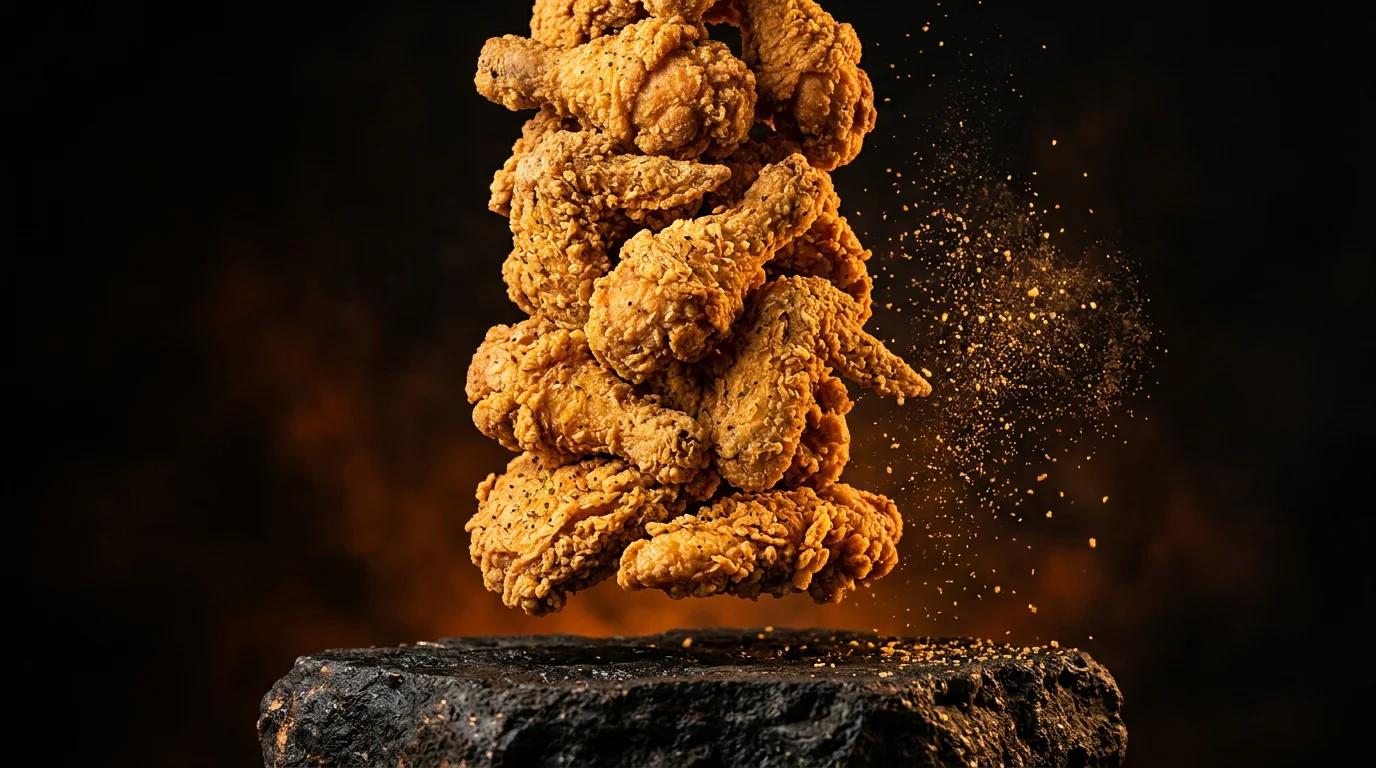
A masterclass in modern AI food advertising: discover how cinematic fried chicken commercials are conceptualized, styled, simulated with crispy particle VFX, animated using Seedance 2.5 and Nano Banana 2.1, and edited into high-converting restaurant campaigns.
AI Nike Commercial Concept 2026: Zero-Gravity Sneaker VFX
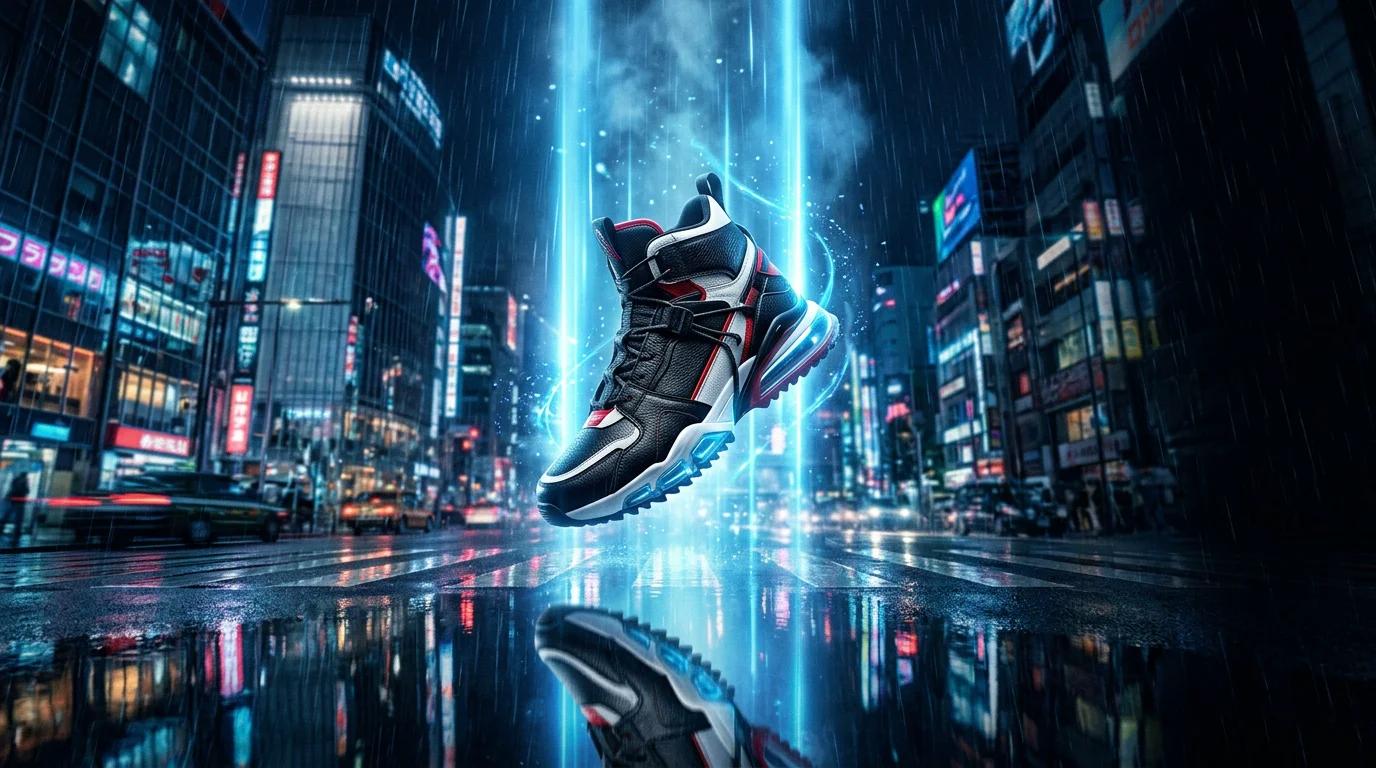
An in-depth creative and technical case study exploring AI SiteFlow's unofficial Nike-inspired zero-gravity sneaker commercial. Discover how modern AI video generation, cinematic CGI, Seedance 2.5, and Nano Banana 2.1 enable brands and agencies to produce world-class product commercials.
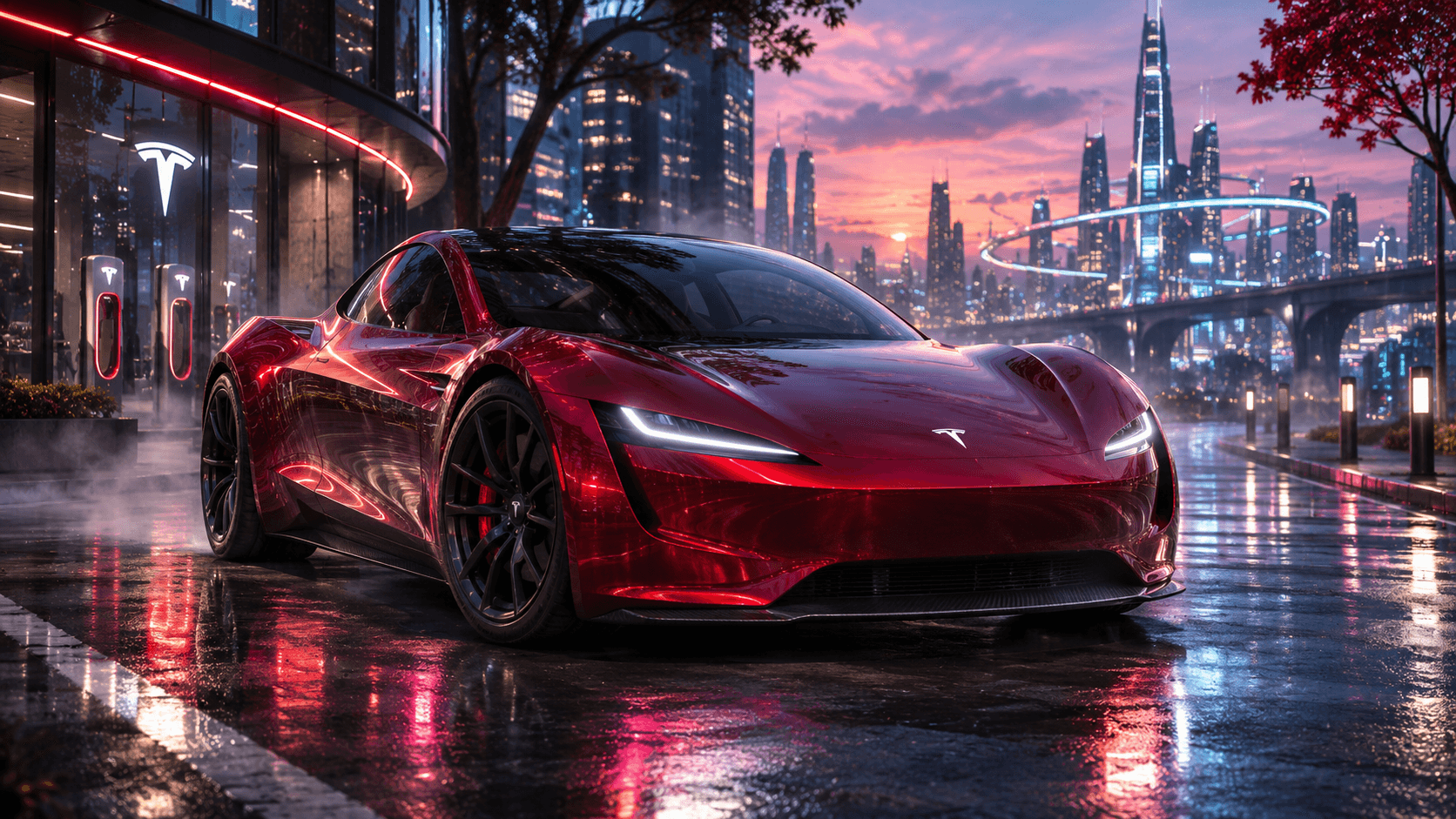
Tesla Roadster Flying Car 2026: What's Real, What's AI, and Can It Really Fly?
An evidence-based guide to Tesla's October 2026 Roadster demonstration, SpaceX-assisted thrusters, the difference between real engineering and cinematic AI, and what the technology means for the future of automotive advertising.
Ready to Elevate Your Brand With AI Commercials?
From single high-impact commercial launches to full-scale monthly video pipelines. Explore our benchmark portfolio or commission your custom sprint today.